







Introduction
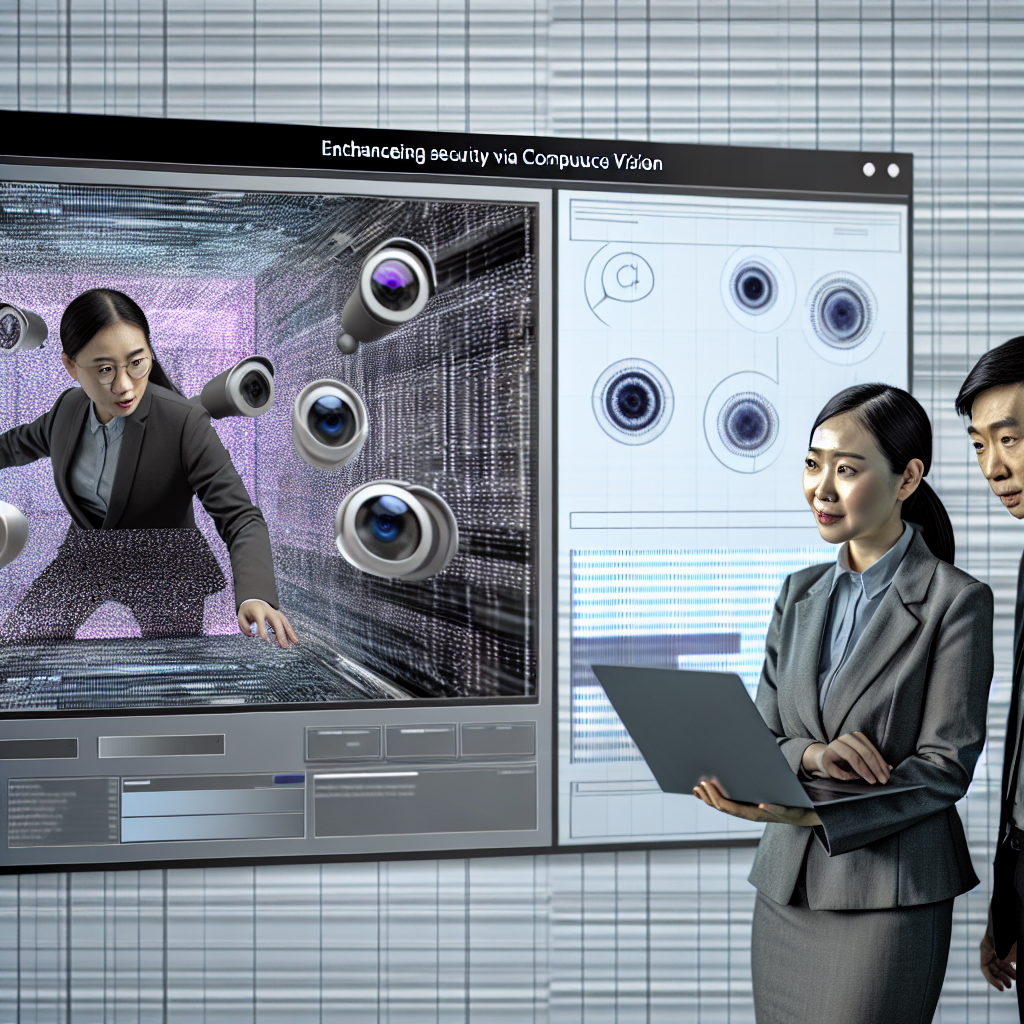
Computer Vision (CV) is a dynamic and rapidly evolving field of artificial intelligence that enables machines to interpret and understand the visual world. The challenge lies in programming computers to derive meaningful information from images and videos, mimicking human visual perception. With applications ranging from self-driving cars to medical image analysis, the impact of computer vision is profound and pervasive.
However, this complex task involves various challenges, including:
- Data Quality: Poorly labeled or insufficient data can lead to inaccurate models.
- Model Complexity: Selecting the right architecture for different tasks can be daunting.
- Computational Cost: Training deep learning models requires significant computational resources.
This article will explore the fundamentals of computer vision, leading to advanced techniques, practical solutions with code examples in Python, and comparisons between various models and frameworks. By the end, you’ll have a comprehensive understanding of computer vision and how to apply it effectively.
Understanding the Basics of Computer Vision
What is Computer Vision?
Computer Vision enables machines to process, analyze, and understand images or videos. The goal is to automate tasks that the human visual system can perform. It can be broken down into several core tasks:
- Image Classification: Identifying the class of an object in an image.
- Object Detection: Locating and classifying multiple objects within an image.
- Image Segmentation: Dividing an image into segments for easier analysis.
- Facial Recognition: Identifying or verifying individuals from images or video.
Key Terminology
- Pixel: The smallest unit of a digital image.
- Feature: A distinctive attribute or characteristic used for model training.
- Convolutional Neural Network (CNN): A deep learning architecture particularly effective for image-related tasks.
Step-by-Step Technical Explanations
1. Image Preprocessing Techniques
Before feeding images into a model, preprocessing is essential to enhance performance. Common techniques include:
- Resizing: Adjusting image dimensions.
- Normalization: Scaling pixel values to a range (e.g., 0 to 1).
- Data Augmentation: Generating variations of images to improve model generalization.
Code Example: Image Preprocessing
python
import cv2
import numpy as np
from keras.preprocessing.image import ImageDataGenerator
image = cv2.imread(‘example.jpg’)
image_resized = cv2.resize(image, (224, 224))
image_normalized = image_resized / 255.0
datagen = ImageDataGenerator(rotation_range=20, width_shift_range=0.2,
height_shift_range=0.2, shear_range=0.2,
zoom_range=0.2, horizontal_flip=True,
fill_mode=’nearest’)
datagen.fit(image_normalized.reshape((1, *image_normalized.shape)))
2. Building a Simple Image Classification Model
To demonstrate the power of computer vision, let’s build a simple image classification model using a Convolutional Neural Network (CNN). We will use TensorFlow and Keras for this purpose.
Steps:
- Load the dataset: Use a standard dataset like CIFAR-10.
- Define the model: Build a CNN architecture.
- Compile the model: Choose a loss function and optimizer.
- Train the model: Fit the model to the training data.
- Evaluate the model: Test its performance on unseen data.
Code Example: Image Classification with CNN
python
import tensorflow as tf
from tensorflow.keras import layers, models
from tensorflow.keras.datasets import cifar10
(x_train, y_train), (x_test, y_test) = cifar10.load_data()
x_train, x_test = x_train / 255.0, x_test / 255.0
model = models.Sequential([
layers.Conv2D(32, (3, 3), activation=’relu’, input_shape=(32, 32, 3)),
layers.MaxPooling2D((2, 2)),
layers.Conv2D(64, (3, 3), activation=’relu’),
layers.MaxPooling2D((2, 2)),
layers.Conv2D(64, (3, 3), activation=’relu’),
layers.Flatten(),
layers.Dense(64, activation=’relu’),
layers.Dense(10, activation=’softmax’)
])
model.compile(optimizer=’adam’,
loss=’sparse_categorical_crossentropy’,
metrics=[‘accuracy’])
model.fit(x_train, y_train, epochs=10, validation_data=(x_test, y_test))
3. Advanced Techniques in Computer Vision
Transfer Learning
Transfer learning allows us to leverage pre-trained models on large datasets to improve performance on specific tasks. Models like VGG16, ResNet, and Inception can be fine-tuned for new applications with relatively small datasets.
Code Example: Transfer Learning with VGG16
python
from tensorflow.keras.applications import VGG16
from tensorflow.keras.layers import Dense, Flatten
from tensorflow.keras.models import Model
base_model = VGG16(weights=’imagenet’, include_top=False, input_shape=(224, 224, 3))
for layer in base_model.layers:
layer.trainable = False
x = base_model.output
x = Flatten()(x)
x = Dense(256, activation=’relu’)(x)
predictions = Dense(10, activation=’softmax’)(x)
model = Model(inputs=base_model.input, outputs=predictions)
model.compile(optimizer=’adam’, loss=’sparse_categorical_crossentropy’, metrics=[‘accuracy’])
4. Comparison of Different Approaches and Models
When choosing a model for a specific task, various factors must be considered, such as accuracy, speed, and resource requirements. Below is a comparison table of popular models in computer vision:
| Model | Type | Accuracy (Top-1) | Inference Time (ms) | Use Case |
|---|---|---|---|---|
| VGG16 | CNN | 71.3% | 20 | General Image Classification |
| ResNet50 | CNN | 76.5% | 10 | Deep Learning Tasks |
| InceptionV3 | CNN | 77.9% | 11 | Image Classification |
| MobileNet | CNN | 70.6% | 4 | Mobile and Edge Devices |
5. Real-World Case Study: Self-Driving Cars
Self-driving cars utilize computer vision to navigate and make decisions in real-time. Using a combination of object detection (to identify pedestrians, vehicles, and traffic signs) and semantic segmentation (to understand road boundaries), self-driving technology integrates multiple computer vision techniques.
Implementation Overview:
- Data Collection: Gather a diverse dataset of driving scenarios.
- Model Selection: Use models like YOLO (You Only Look Once) for real-time object detection.
- Training and Testing: Continuously train and test the model with real-world data.
- Integration: Incorporate the model into the vehicle’s control system for real-time decision-making.
Flowchart: Self-Driving Car Vision System
mermaid
graph TD;
A[Data Collection] –> B[Model Selection];
B –> C[Training];
C –> D[Testing];
D –> E[Real-time Integration];
E –> F[Decision Making];
Conclusion
Computer vision is a powerful tool with the potential to revolutionize various industries. From image classification to self-driving cars, the applications are vast and growing.
Key Takeaways:
- Preprocessing is vital for improving model performance.
- Transfer learning can significantly reduce training times and resource requirements.
- Choosing the right model depends on the application and resource constraints.
Best Practices:
- Always perform data augmentation to enhance model generalization.
- Monitor overfitting through validation datasets and adjust model complexity as necessary.
- Leverage pre-trained models to save time and improve accuracy.
Useful Resources
- Libraries:
- Frameworks:
- Research Papers:
- “ImageNet Classification with Deep Convolutional Neural Networks” – Alex Krizhevsky et al.
- “Deep Residual Learning for Image Recognition” – Kaiming He et al.
- “Rethinking the Inception Architecture for Computer Vision” – Christian Szegedy et al.
By following the outlined steps and utilizing the provided resources, you can embark on your computer vision journey, tackling complex visual challenges with confidence.